

Device setup is easier when parameters can be managed clearly on a PC instead of directly at the measuring point. This parameterization software reads device-specific settings from connected Senseca devices, allows them to be changed and writes them back to the device via USB connection cable or programming adapter.
Project work stays organized because parameter data can be saved on the local hard disk and reloaded when needed. The interface uses a menu structure similar to common Office programs, with project, info, parameter and online views for quick orientation during configuration.
For live checks, connected sensor values can be displayed online in tabular and graphical form. Communication takes place via Modbus RTU; CONDIX and PHIX devices connect via the EYY220 USB programming adapter, while MULTICON devices connect via a standard USB cable.

The software configures device-specific parameters on Senseca devices via a PC connection. Parameters can be read from the connected device, changed and written back.
CONDIX and PHIX devices connect via the EYY220 USB programming adapter. MULTICON devices connect via a standard USB cable.
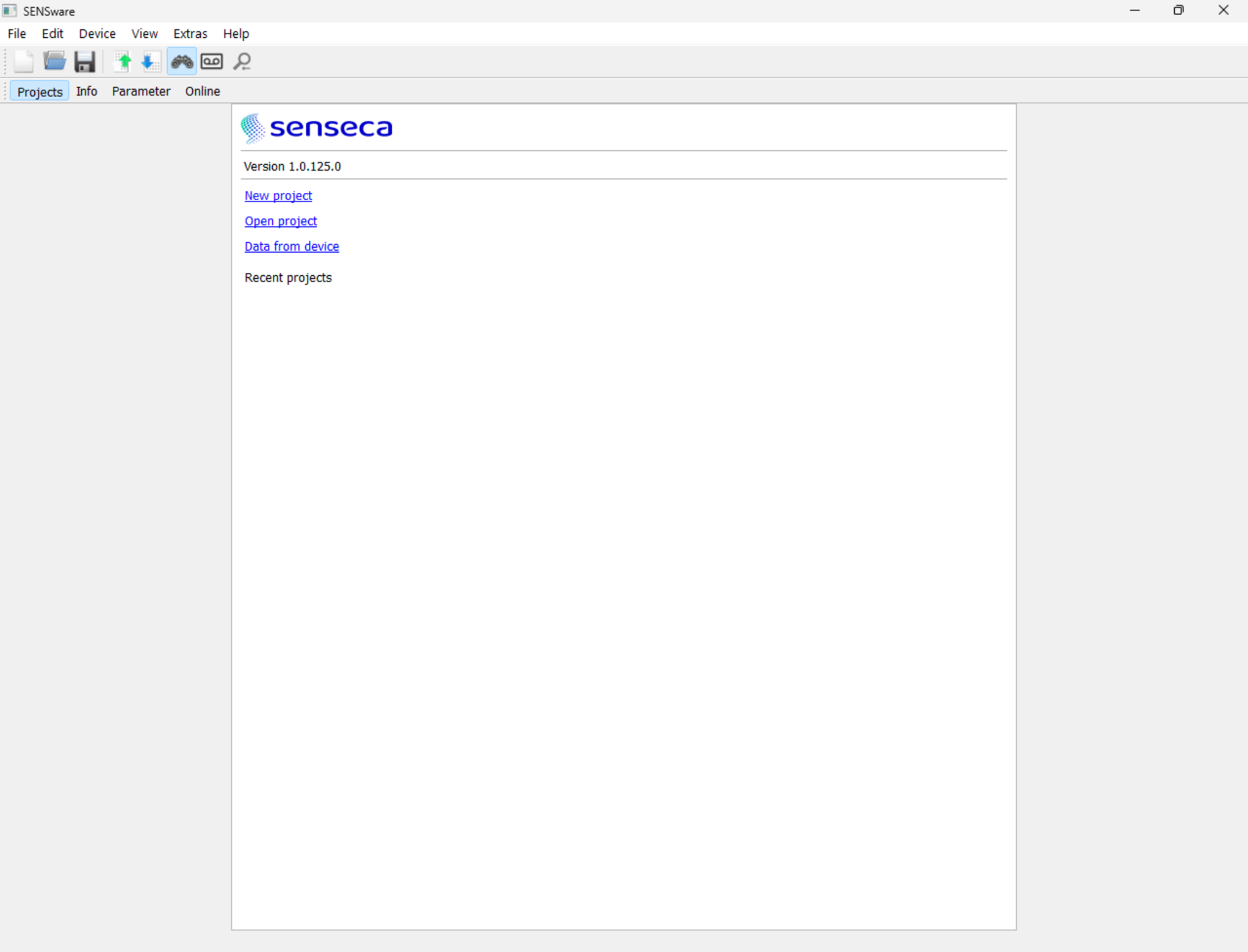
Project files can store parameter data locally. The project view provides access to new projects, opened projects, device data and recently edited projects.
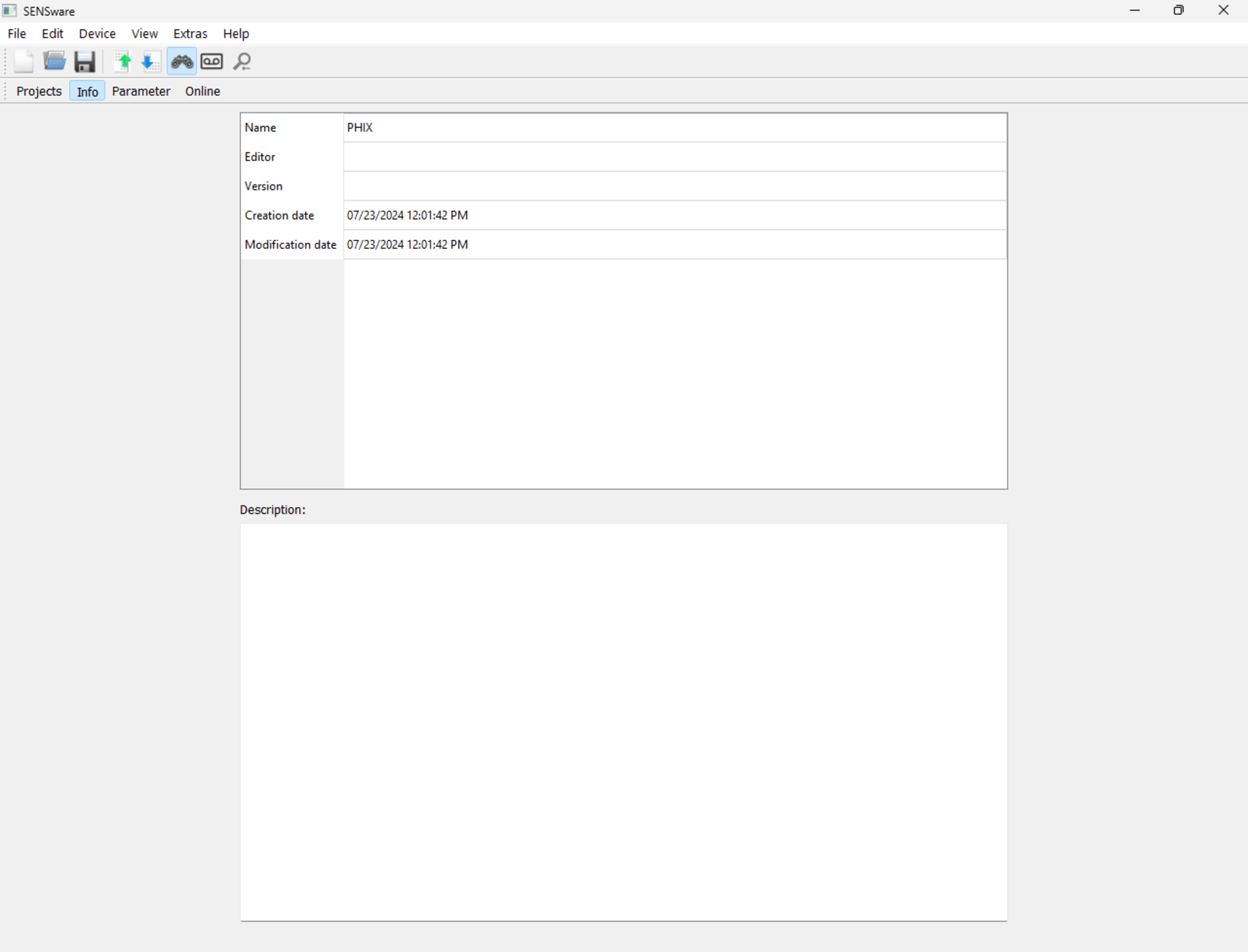
The info view stores project information such as name, editor, version and project description. Creation and modification dates are filled automatically by the software.
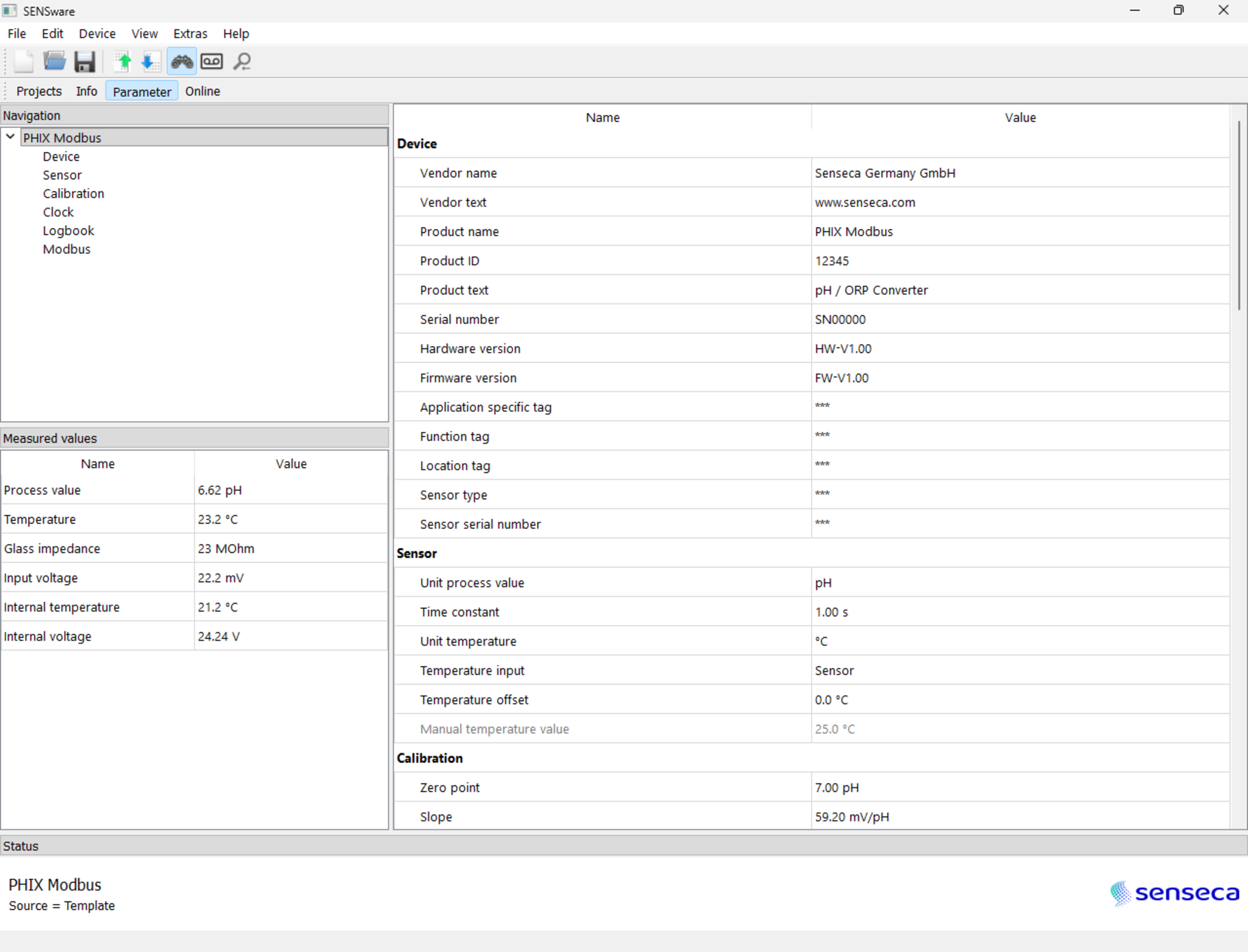
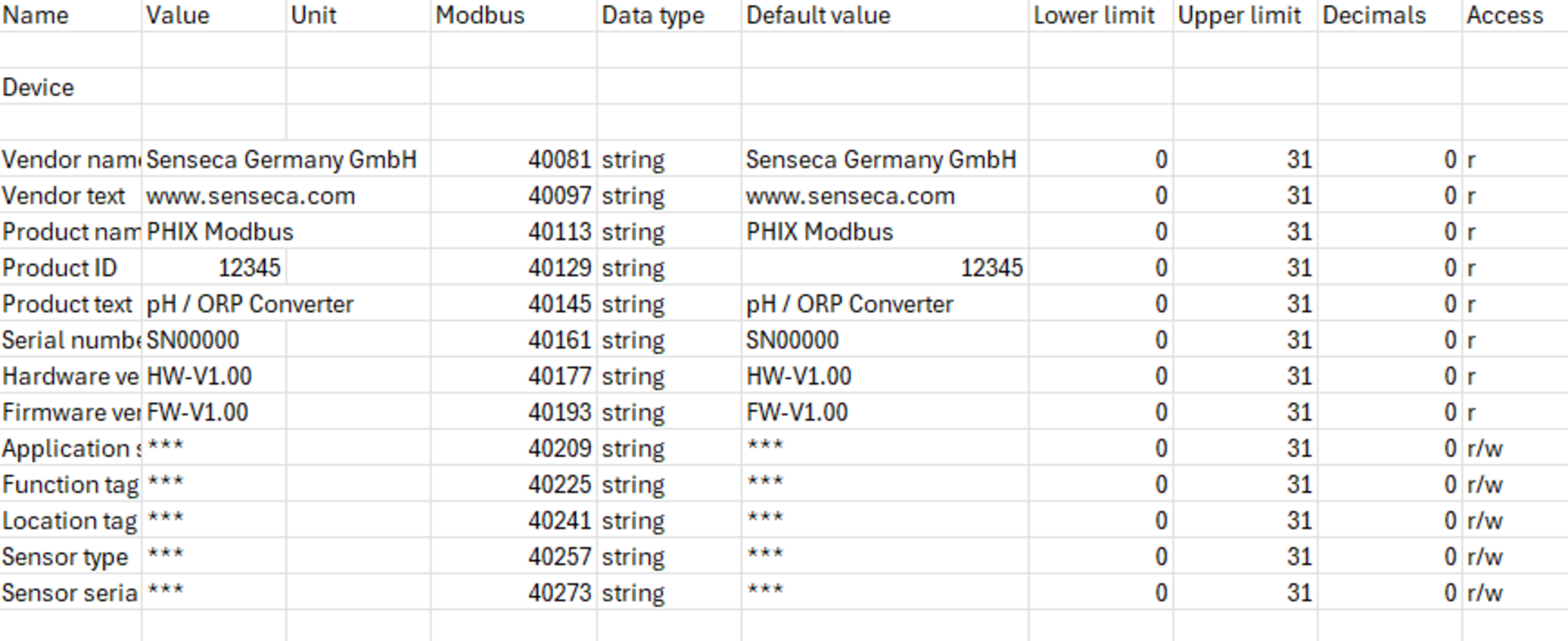
The parameter view displays available parameters by operating level and opens dialogs for list selection, numerical input, text input or selection boxes.
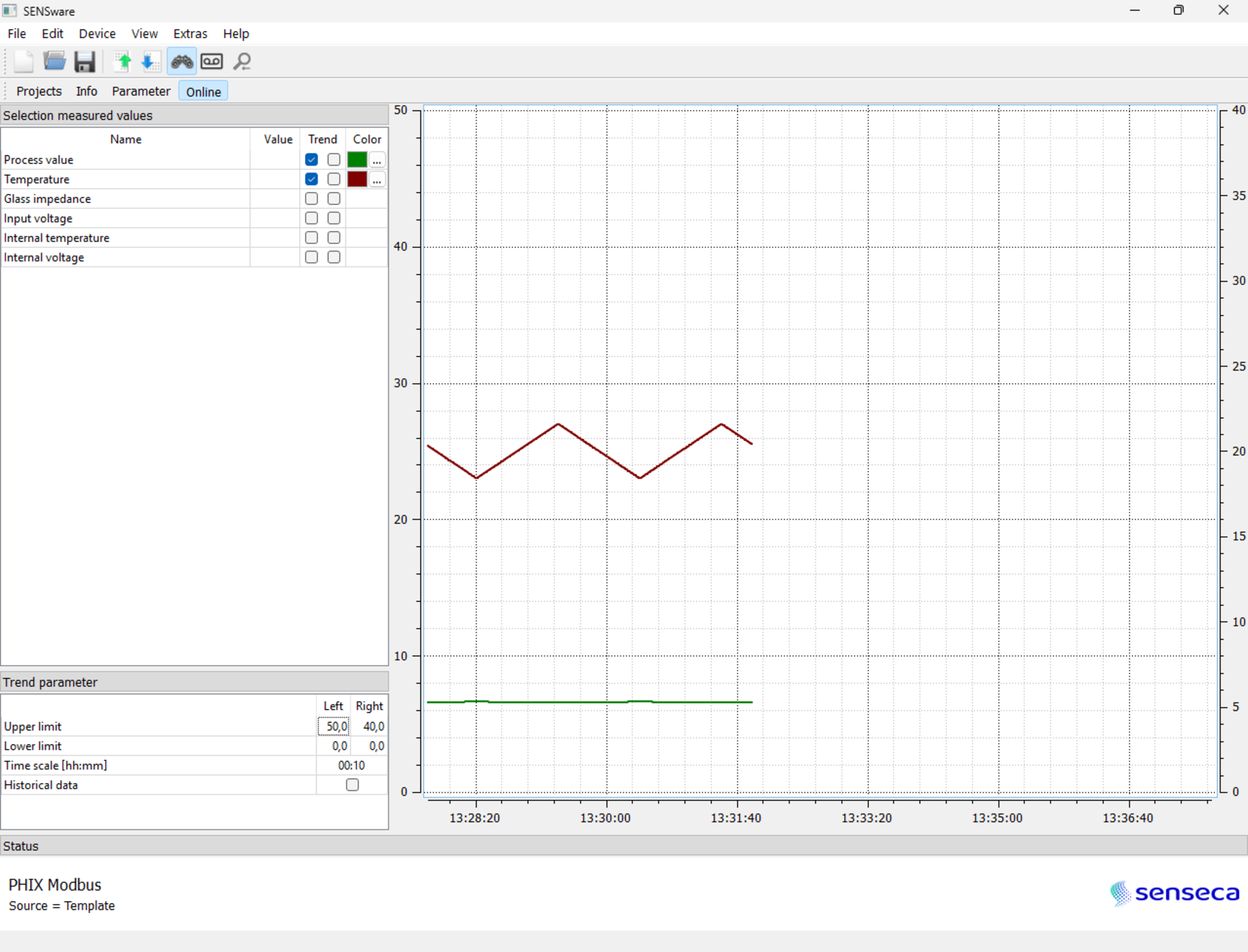
When measured values are activated on a connected device, the online view lists supplied values and can show selected values as trend curves.
Device communication uses Modbus RTU with selectable interface, address entries, baud rate from 1200...19200 and parity options none, odd or even.
The software runs on Microsoft Windows 7 or higher, 32 or 64 bit, with at least 2 GB RAM, 2 GB free hard disk space and 16-bit color depth.