
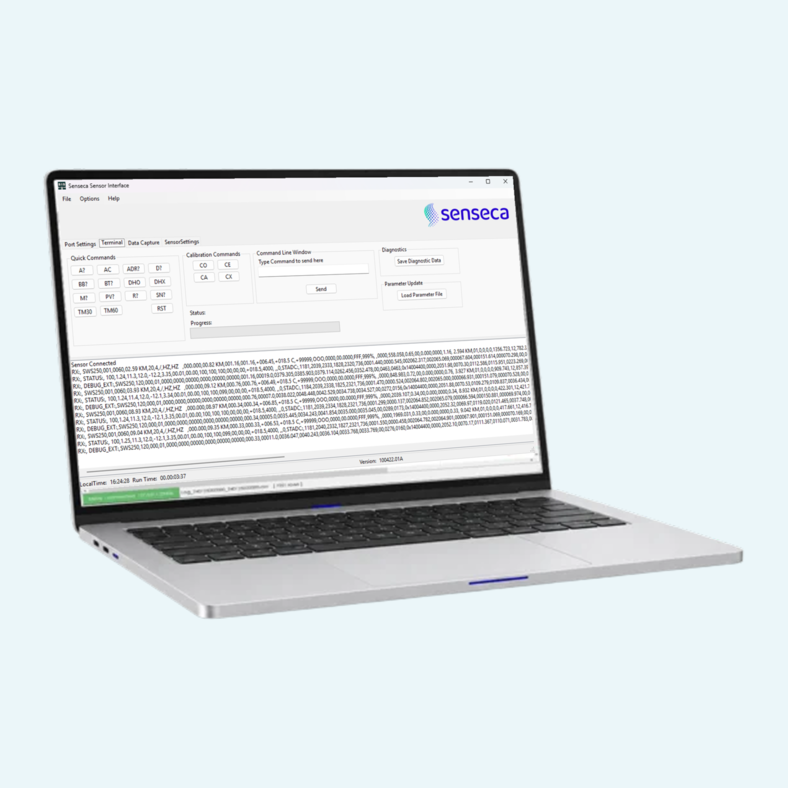
Setting up a weather sensor should not mean hunting through command lists. This software gives you one window to connect to the sensor, read and change its settings, send commands and watch the data stream. Quick command buttons cover the most common requests, and a command line accepts any command from the sensor manual.
Data capture runs in the background while you work. Each log file is timestamped with the PC's system time, and logging can switch to a new file daily at a time you set, or run continuously. Polling sends a command at a chosen interval, and accumulated precipitation can be reset at the start of a file and captured at the end. Diagnostic data and parameter files can be saved or loaded when Senseca asks for them, so the service team can diagnose faults more quickly.
Settings changes take effect once the sensor resets, so review heater and message settings carefully before you apply them. Test mode can simulate a set visibility, fault or contamination condition, so you can check the warning lights and relays connected to the sensor without waiting for real conditions.