
Firmware maintenance is easier to control when the tool checks the instrument before the update starts. ProXupdate supports comfortable and safe firmware updates for PRO-Line instruments, with an automatic mode that starts the update workflow from the Connect button.
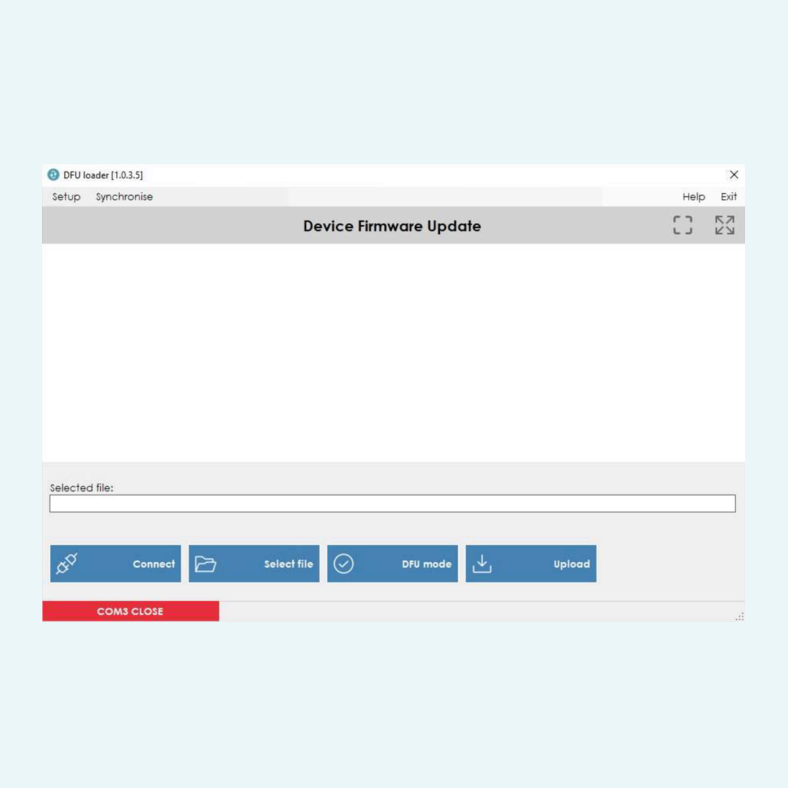
The software checks the firmware version installed in the instrument and indicates when the device is already up to date. If a newer firmware version is available, the user can confirm the update. For controlled service work, a user-controlled mode allows file selection, DFU mode and upload steps, including .hex update files.
Connection is handled through a PC USB port, with automatic COM port search or manual COM port selection. If the PC is connected to the Internet, the Synchronize function checks for new firmware updates and updates the local firmware folder when new files are available.


The software can operate in automatic mode, where the Connect button starts a wizard and checks the firmware version before the update proceeds.
Manual operation provides Select file, DFU mode and Upload buttons for controlled firmware updates using files with .hex extension.
The Synchronize menu item checks online for new firmware updates when the PC is connected to the Internet and updates the local firmware folder.
The software can scan available ports automatically or allow manual COM port selection. Communication parameters are fixed.
PRO-Line instruments must be switched on and connected to a PC USB port. Logger versions must be set to COM Interface mode and any running logging session must be stopped.
The menu includes serial connection setup, Run as Administrator toggle, Automatic mode toggle, language selection, Synchronize, Help and Exit.